
📸AI 백일·돌사진프롬프트·컨셉 둘러보기

90년대 유아 잡지 표지 — 멘트 직접 입력
이렇게 만들어집니다
아기 사진을 1996년 한국 유아 잡지 표지로 변환합니다. 부모가 직접 입력한 잡지 제목·연도·멘트 4줄이 표지 호선·스티커·말풍선으로 합성됩니다. 우리만의 차별화 — AI가 멘트를 만들지 않고 부모 입력 그대로.
옵션 변경
프롬프트
프롬프트 본문 보기▾
[Input]
- output_size: 896x1200 (3:4 portrait, magazine cover ratio)
- reference: 1 baby photo (full body or upper body preferred)
- user_text_magazine_title: {user_text_magazine_title}
- user_text_year: {user_text_year}
- user_text_cover_line_1: {user_text_cover_line_1}
- user_text_cover_line_2: {user_text_cover_line_2}
- user_text_cover_line_3: {user_text_cover_line_3}
- user_text_cover_line_4: {user_text_cover_line_4}

[Purpose]
Convert the user's attached baby photo into a 1990s Korean children's magazine cover. The baby is the central cover subject. Custom magazine title, year, and 4 cover lines are composited as bold headlines, comic speech bubbles, and stickers in 90s Korean magazine style.

[Scene — image-to-image edit, preserve baby identity]
Use the user's attached photo as the base. PRESERVE the baby's identity (face proportions, age, hair style, skin tone, expression). The baby appears as the magazine cover photo — full body OR upper body posed naturally.

Baby placement:
- Centered on the cover, full body or upper body visible
- Natural pose (whatever the source photo shows — sitting, standing, looking aside)
- Outfit preserved from photo (consistent with magazine cover style)

Magazine layout:
{magazine_style_description}

Top of cover:
- Large playful "{user_text_magazine_title}" in 90s Korean magazine font, very prominent
- Below the title: "{user_text_year}" in smaller text

Cover lines (composited around the baby):
- Pink/orange highlighted text box on left or top: "{user_text_cover_line_1}"
- Yellow/blue highlighted text box: "{user_text_cover_line_2}"
- Speech bubble or sticker (only if non-empty): "{user_text_cover_line_3}"
- Bottom banner or sticker (only if non-empty): "{user_text_cover_line_4}"

Decorative elements (around the baby and text):
- 5-8 colorful 90s star stickers
- "귀여움 과다 주의보" or "OO 대잔치" style warning sticker (one of)
- Comic speech bubble with playful symbol
- Slight worn paper texture overlay
- Small editorial sticker at bottom-right ("page X/X" style 90s magazine accent)

[Style]
- 1996 Korean kids magazine cover aesthetic
- Bright primary colors (yellow / red / blue dominant) — bold and playful
- Mix of Korean handwritten brush fonts (large title) and clean sans-serif (cover lines)
- Slight retro paper texture / scan artifact feel
- Reminiscent of "쮸니 KIDS" / 보육 / 월간 베이비 style covers

[Composition]
- 3:4 portrait magazine cover ratio
- Magazine title fills top 15-20%
- Baby photo central 50-60%
- Cover lines and stickers scattered in remaining space
- Bottom banner if cover_line_4 provided

[CRITICAL — Identity preservation + text exact]
- Baby's face / hair / outfit must match the user's photo
- ALL Korean text composited EXACTLY as provided by user — do NOT change wording, do NOT translate
- If cover_line_3 or cover_line_4 is empty, OMIT that text element entirely (do not invent placeholder text)
- Korean Asian baby

[Text rules]
- ONLY the user-provided text appears: title, year, cover lines 1-4
- ALL Korean text rendered cleanly in retro 90s magazine fonts
- Title uses bold brush-style Korean font (Noto Serif KR Bold or similar retro brush)
- Cover lines use mix of bold display fonts (Korean handwritten / playful)
- No additional invented text or made-up filler

[🚫 PROHIBITED]
- AI-invented additional cover text (only user-provided lines appear)
- Modern magazine cover style (must be 90s Korean aesthetic)
- English text dominating the cover (Korean primary, English optional accent)
- Photorealistic 3D rendering (must read as magazine print)
- Branded magazine names (no actual Vogue, GQ, etc. — fictional Korean kids magazine)
- Translated cover lines (use user input verbatim)
ChatGPT로 열기
프롬프트가 길어 자동 입력 대신 복사돼요. ChatGPT 새 창에서 Ctrl+V (또는 ⌘+V) 로 붙여 넣으세요.
비슷한 사진

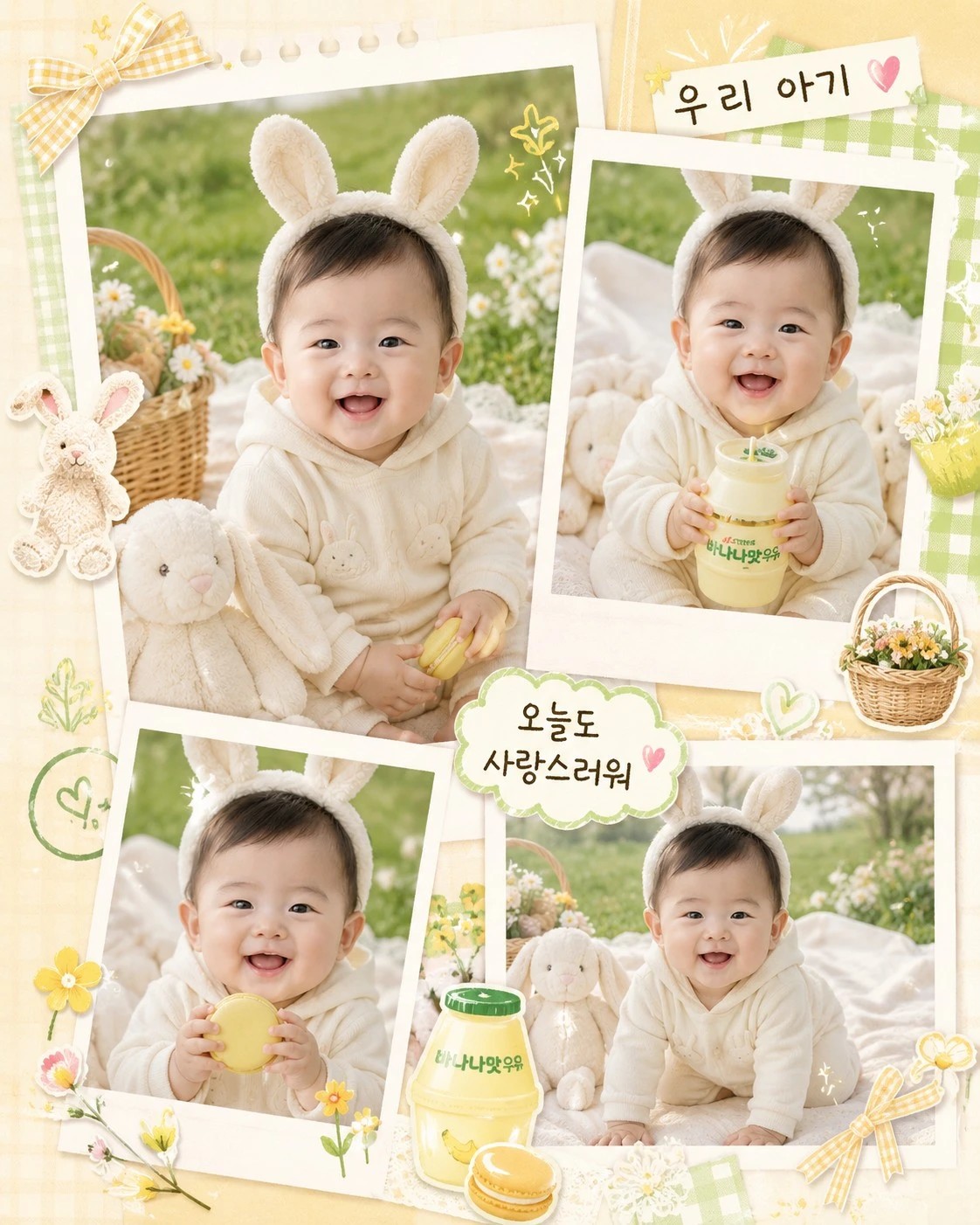


자주 묻는 질문
프롬프트를 어떻게 사용하나요?▾
페이지 안 프롬프트 박스의 "ChatGPT로 열기" 버튼을 누르면 ChatGPT에 프롬프트가 자동으로 입력된 새 채팅이 열립니다. 첨부할 사진을 드래그해서 올리고 전송하면 결과 이미지가 생성됩니다.
얼굴이 살짝 다르게 나와요▾
ChatGPT의 얼굴 보존은 약점입니다. 같은 프롬프트로 재시도하거나 더 또렷한 정면 사진으로 바꿔보세요. Gemini 2.5 Flash Image (Nano Banana)가 얼굴 보존이 더 안정적인 편입니다.
한국어 글씨가 깨져 나와요▾
ChatGPT의 한글 텍스트 렌더링은 아직 완벽하지 않습니다. "한글 글씨가 명확히 보이도록"이라고 한 번 더 강조하거나 영문으로 바꾸면 안정적으로 나옵니다.
결과가 마음에 안 들면 어떻게 하나요?▾
ChatGPT 채팅창에서 "다른 버전으로 다시" 또는 "다른 변형으로" 같은 후속 요청을 하면 같은 프롬프트로 변형을 시도합니다.
인쇄해서 카드나 액자로 쓸 수 있나요?▾
결과 이미지는 A4와 5×7, 8×10 인치 액자 인쇄에 적합한 해상도입니다. 카톡 공유는 1:1 비율을 추가하면 더 안정적이고, 인쇄용 액자는 그대로 사용할 수 있습니다.
아기 단독바이럴인물·화보