
📸AI 백일·돌사진전체 컨셉 보기 →

일수 9컷 표정 콜라주 카드: 누운 아기 8가지 표정
이렇게 만들어집니다
우리 아기 얼굴 사진 1장으로 50일·100일·200일 일수 콜라주를 만드세요. 9분할 그리드 중앙에 손글씨 일수 텍스트, 주변 8칸에 누운 아기의 다양한 표정과 포즈가 자동 배치됩니다.
옵션 변경
프롬프트
프롬프트 본문 보기▾
[Purpose]
Premium Korean baby day-count collage card — a 3×3 grid (9 cells total) with the baby's day milestone "{day_count} DAY" (default "50 DAY") handwritten in the center cell, and 8 surrounding cells showing the baby in varied expressions and poses, all on a warm peach/beige fabric background.

[Scene — image-to-image edit, preserve identity]
Use the user's attached baby photo as the base. PRESERVE the child's identity (face proportions, eye shape, skin tone) consistently across all 8 cells.

LAYOUT — 3×3 grid (9 cells):
- The composition is a precise 3×3 grid with 9 equal square cells.
- CENTER cell (row 2, col 2): plain white square with handwritten brush-style text "{day_count} DAY" (default "50 DAY"). Below the day text, a smaller secondary text "{baby_name}" (default "" — if empty, omit this line entirely) in handwritten cursive.
- The 8 SURROUNDING cells (4 corners + 4 edges): the baby is shown from a TOP-DOWN view (looking down at the baby lying on a peach/beige fabric backdrop), wearing a soft peach/beige knit beanie hat with small ears (like a bear or cat bonnet), each cell showing a DIFFERENT expression/pose:
  - cell 1 (top-left): baby smiling gently, one hand near ear
  - cell 2 (top-center): baby looking up curiously with mouth slightly open
  - cell 3 (top-right): baby covering eyes with both hands (peek-a-boo)
  - cell 4 (middle-left): baby grinning widely with both hands near face
  - cell 6 (middle-right): baby with hands on cheeks, surprised face
  - cell 7 (bottom-left): baby with tongue out, playful expression
  - cell 8 (bottom-center): baby with both arms raised up, excited
  - cell 9 (bottom-right): baby with mouth open laughing, looking joyful
- All 8 cells share the SAME baby identity (preserve face from user's photo) — only expressions and hand positions vary.
- Soft peach/beige cotton fabric backdrop in all 8 cells, warm consistent lighting.

BACKGROUND:
- Within each baby cell: warm peach/beige cotton fabric backdrop, soft natural light from upper-left.
- Center white cell: pure clean white with handwritten brush text.
- Grid spacing: thin white gaps between cells (about 2% of cell width).
- Outer canvas: same warm peach/beige tone as the cells (seamless edge).

[Style]
Premium Korean baby milestone collage photography. Warm naturalist palette (peach/beige), top-down soft natural daylight, gentle film grain. Handwritten brush text for the center day count.

[Text]
- Center cell: "{day_count} DAY" (default "50 DAY") in handwritten brush style + smaller "{baby_name}" (default empty) cursive below
NO other text. NO captions. NO logos, NO watermarks.

[Aspect]
3:4 portrait (1024×1366).

[🚫 IMPORTANT]
- Use the user's attached photo. PRESERVE the SAME baby identity across all 8 cells.
- Strict 3×3 grid layout (9 cells total), thin white gaps.
- Center cell = white with "{day_count} DAY" handwritten brush text.
- 8 surrounding cells = same baby, DIFFERENT expressions/poses, top-down view, peach/beige fabric, peach/beige knit beanie hat with small ears.
- Warm peach/beige palette throughout (NOT cool tones).
- Natural baby anatomy in every cell.
ChatGPT로 열기
버튼을 누르면 프롬프트가 자동 입력된 ChatGPT 가 열려요.
비슷한 사진


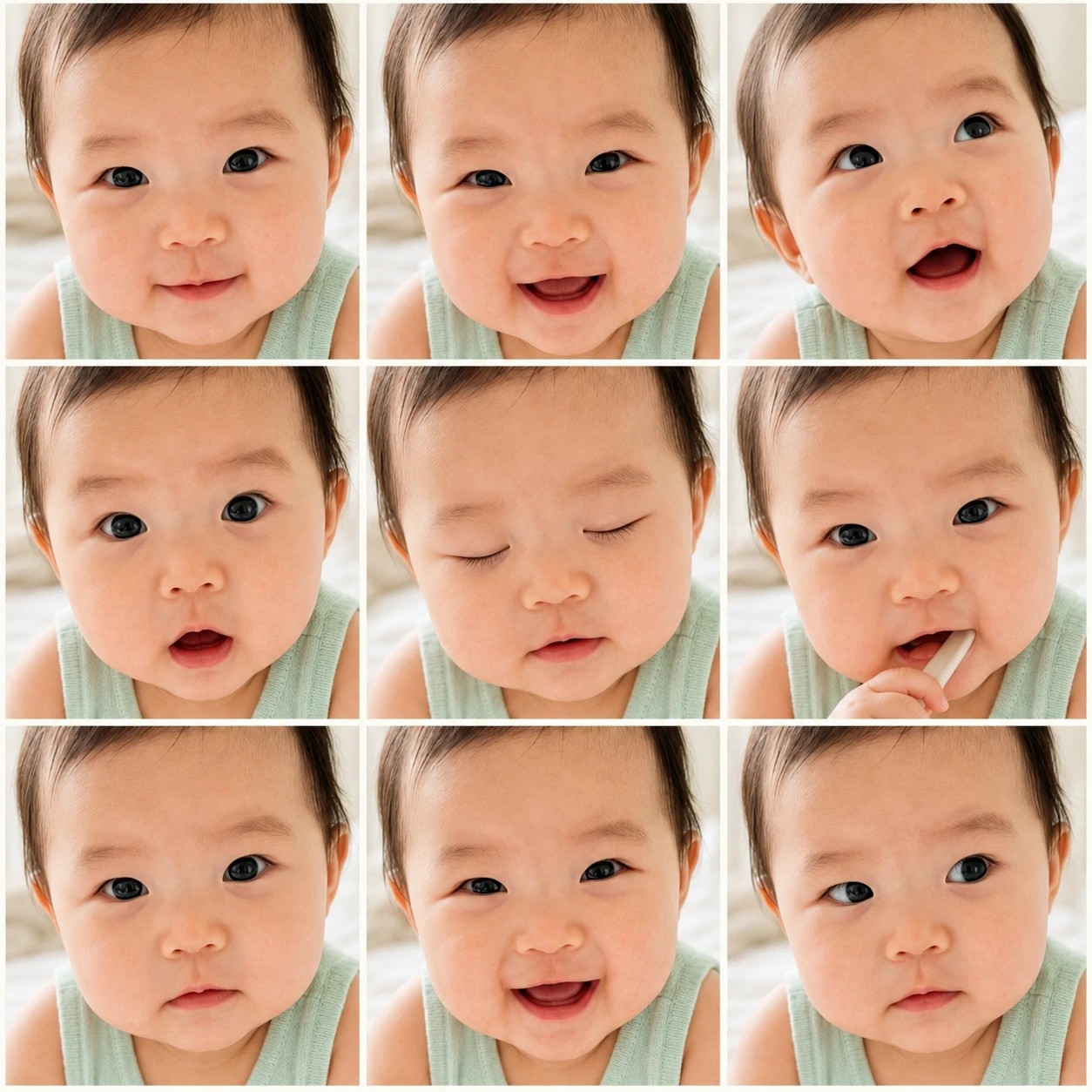
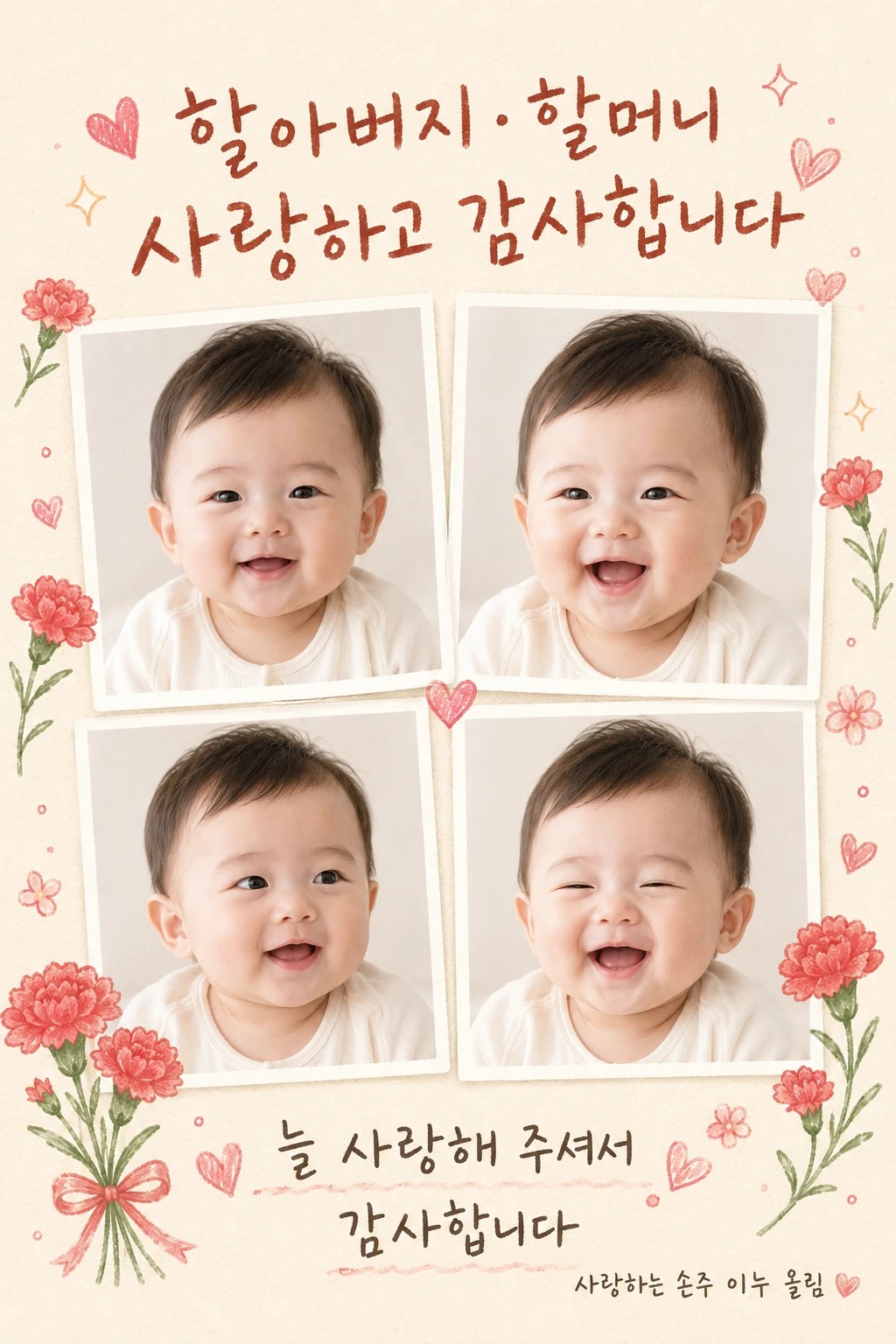
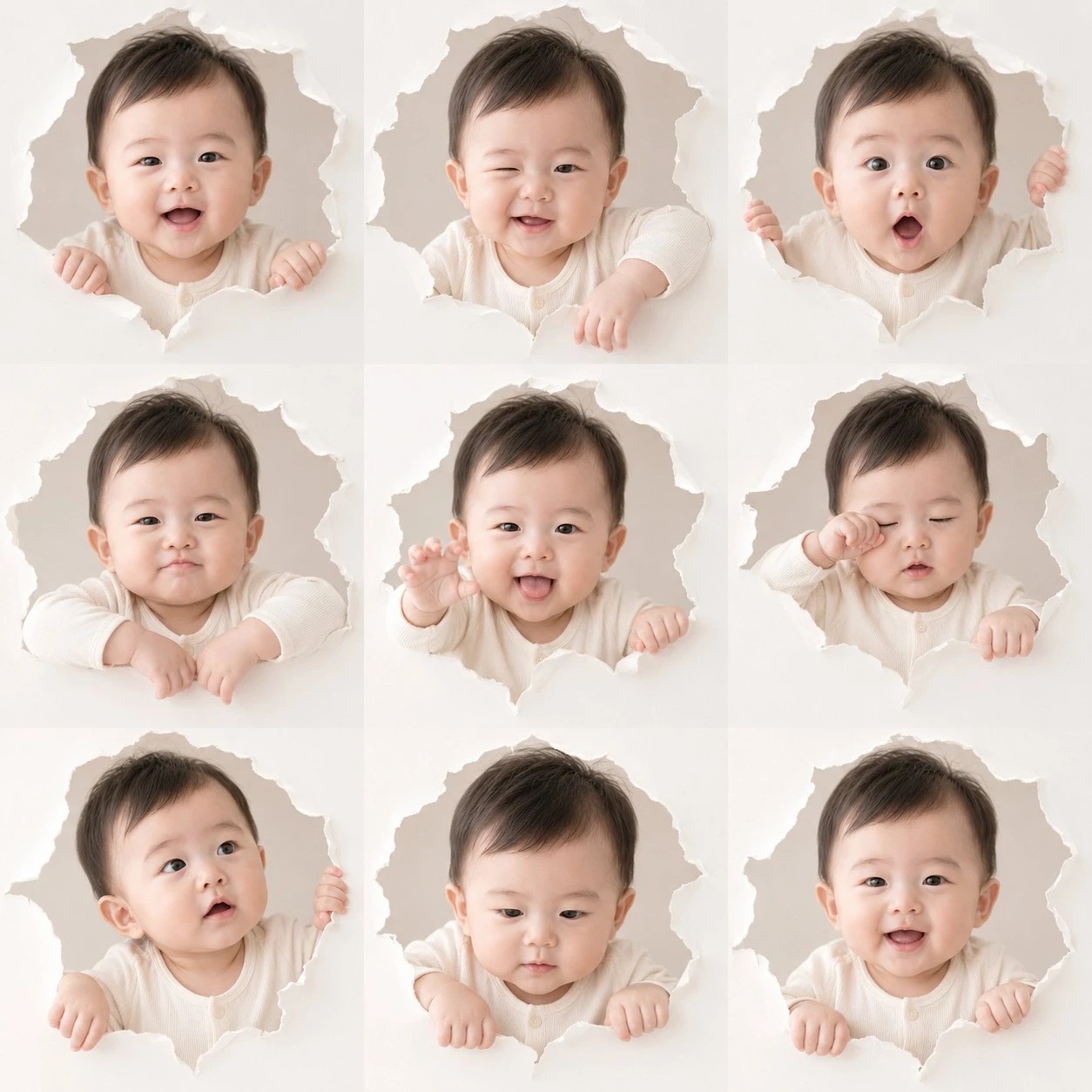

자주 묻는 질문
프롬프트를 어떻게 사용하나요?▾
페이지 안 프롬프트 박스의 "ChatGPT로 열기" 버튼을 누르면 ChatGPT에 프롬프트가 자동으로 입력된 새 채팅이 열립니다. 첨부할 사진을 드래그해서 올리고 전송하면 결과 이미지가 생성됩니다.
얼굴이 살짝 다르게 나와요▾
ChatGPT의 얼굴 보존은 약점입니다. 같은 프롬프트로 재시도하거나 더 또렷한 정면 사진으로 바꿔보세요. Gemini 2.5 Flash Image (Nano Banana)가 얼굴 보존이 더 안정적인 편입니다.
한국어 글씨가 깨져 나와요▾
ChatGPT의 한글 텍스트 렌더링은 아직 완벽하지 않습니다. "한글 글씨가 명확히 보이도록"이라고 한 번 더 강조하거나 영문으로 바꾸면 안정적으로 나옵니다.
결과가 마음에 안 들면 어떻게 하나요?▾
ChatGPT 채팅창에서 "다른 버전으로 다시" 또는 "다른 변형으로" 같은 후속 요청을 하면 같은 프롬프트로 변형을 시도합니다.
인쇄해서 카드나 액자로 쓸 수 있나요?▾
결과 이미지는 A4와 5×7, 8×10 인치 액자 인쇄에 적합한 해상도입니다. 카톡 공유는 1:1 비율을 추가하면 더 안정적이고, 인쇄용 액자는 그대로 사용할 수 있습니다.
콜라주