📸AI Baby PhotoBrowse prompts & concepts

AI Baby Illustrations — Watercolor & Line Art Prompts

AI baby illustration prompts — watercolor and line art, not photographs. Verified 10 prompts for parent gifts and SNS profiles, averaging 1 minute per artwork.

Create photos with these styles

What are AI baby illustrations?

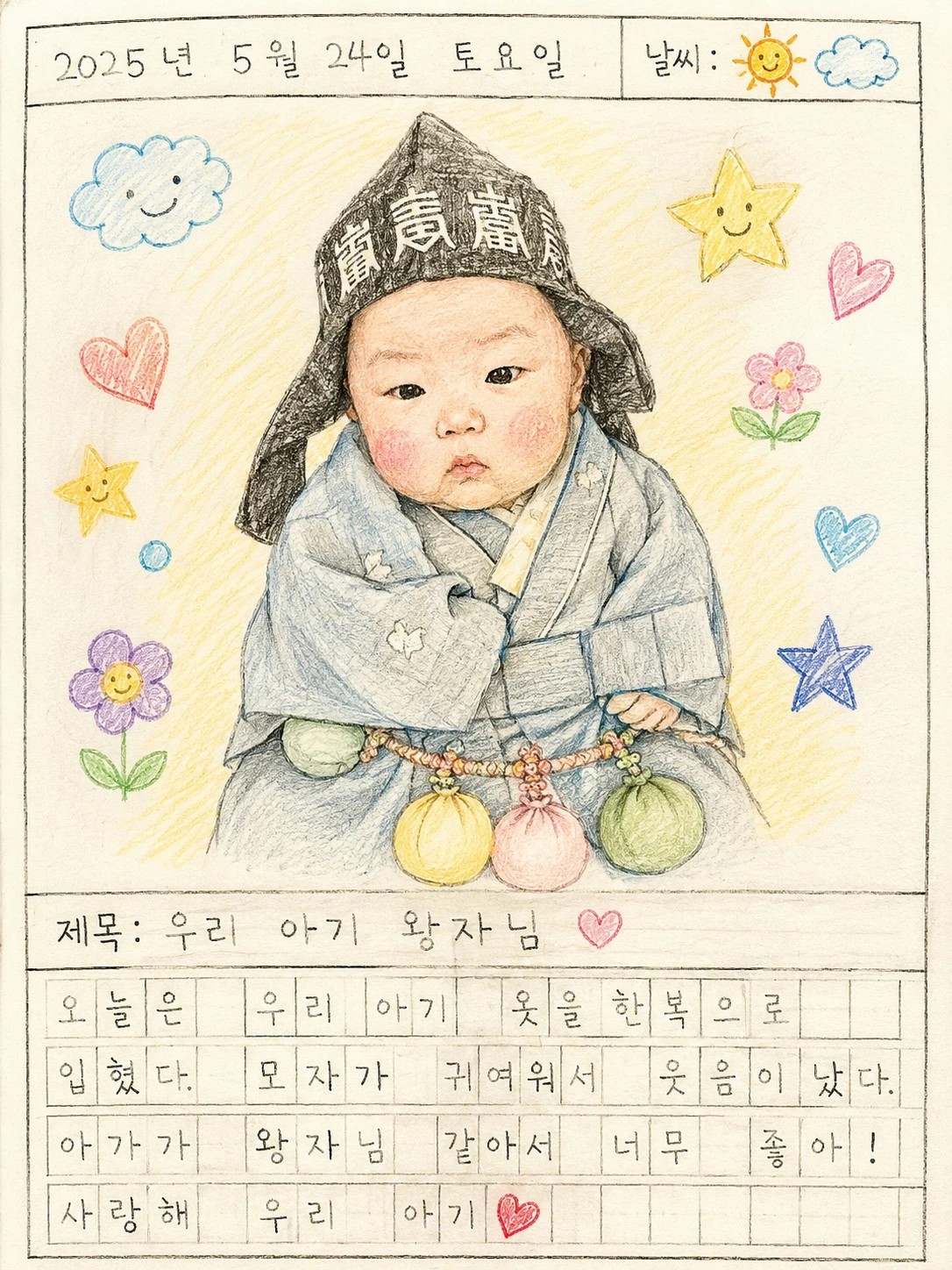
Express baby imagery in painted or drawn form, not photography. Choose between soft watercolor washes, clean line illustration outlines, or warm storybook-style artwork. Our AI baby illustration catalog specializes in transforming a single self-shot photo into an artwork — useful for parent-gift frames, nursery interior art, and SNS profile images. Average generation time is about 1 minute per artwork.

Tips for AI baby illustrations

  • Pick style by purpose

    Watercolor for warm gift frames, line illustration for clean SNS profile look, storybook for nursery interior art.

  • Use photos with clear expression

    Illustrations emphasize facial expression more than photos. Smiling or surprised expressions yield the strongest results.

  • Square format for printing

    Square (1:1) is the safest framing format. Portrait (3:4) for small shelf frames, landscape (4:3) for larger wall art.

  • Source photo tone matters

    Natural light and color temperature carry over to the artwork. Warm-toned photos become warm illustrations; cool-toned photos become modern illustrations.

So Easy to Create

1

Pick a style

2

Upload one baby photo

3

Done! Studio-quality in ~2 min

Price Comparison

Studio

AI Photo

₩150,000~500,000

₩2,000/photo

2~4 weeks

~2 min

Half-day trip

From home

FAQ

Can I make both illustration and photo versions?
Yes — one source photo can be converted to both illustration concepts (this hub) and photographic concepts (see `100day`, `365day`, `hanbok`).
Is the print quality good for framing?
1024×1024 or 1024×1536 output prints well at 8×8 inch or 5×7 inch. For larger 11×14+ inch artwork, test print first.
Can I add parent names or messages?
The catalog focuses on the artwork itself. Add text/names afterward in Canva or MiriCanvas to complete a gift card.
What kind of photo should I upload for the best results?
A front-facing photo where your baby's face fills at least half the frame works best. A solo shot by a window with natural light is ideal. Avoid backlit or flash-reflected photos. The clearer the face the more natural the AI result.
How much does it cost, and what if it fails?
Your first photo is free to try. After that it's ₩2,000 (⭐4) per photo. If AI generation fails your stars are automatically refunded — no worry about paying for unsuccessful results.
How long does it take to complete?
Usually about 2 minutes. AI starts working immediately after upload and you can check the result in your gallery. You can even create more concepts while waiting.
What if the result looks a bit different from my baby?
Front-facing photos with a large clear face produce the most similar results. If you used a side or distant photo try again with a different one. At ₩2,000 per photo you can try multiple times and pick your favorite.