
Kindergarten ID Portrait
Best with
Customize for your baby
Prompt is auto-filled. Attach your baby photo and send.
Prompt
[Purpose] Convert the user's attached child photo into a professional Korean kindergarten/preschool ID portrait photo. Studio-quality, clean and warm. [Scene] Use the attached photo as the base. Preserve the original child's face completely — face shape, eye shape, gaze direction, eyebrows, nose, mouth, skin tone, hair style, and overall identity must remain IDENTICAL to the source photo. Only regenerate the framing, outfit, background, and lighting. - Reframe to chest-up composition with the head fully visible, ~10% empty headroom above the hair, shoulders visible at the bottom edge. - Replace the outfit with {outfit_description}. - Replace the background entirely with {background_description}, a smooth solid color backdrop with a soft subtle vignette (slightly darker toward the corners, classic studio look). - Apply {smile_detail}. - Camera: straight-on frontal angle, eye-level, classic Korean kindergarten ID photo composition. [Style] Studio portrait lighting — soft key light slightly from camera left, gentle fill on the right, no harsh shadows. Skin natural and lovely without over-retouching. Hair detail preserved sharp. Subtle catch-lights in the eyes for liveliness. Clean, professional, and warm — not cold corporate. [Text] No text on the image. Pure portrait only. [Aspect] 3:4 vertical portrait (1024x1366), standard Korean ID photo ratio. [🚫 IMPORTANT] - Preserve the original child's face, eye shape, eyebrows, nose, mouth, skin tone, and overall identity exactly — do NOT alter facial features - Do NOT generate a new person - Do NOT change the child's age, gender, or hair length/style - Outfit must be {outfit_description} only — no other clothing, no costumes, no accessories beyond what's described - Background must be the specified solid color with vignette only — NO patterns, NO multi-color gradients, NO objects, NO text - Framing is chest-up only — no full body, no waist-down, no cropped head - Lighting must be flattering studio lighting — no harsh dramatic shadows, no over-exposed highlights - No watermarks, no logos, no text anywhere - No props (toys, books, flowers) — just the child portrait
Frequently asked questions
- Q. What kind of photo should I attach?
- A. A front-facing photo where the child's face is clearly visible. Casual selfies or home snapshots are fine. Side profiles or photos with the face partially hidden may give awkward results.
- Q. The face looks slightly different from the original
- A. AI image models sometimes subtly alter the face. Send a follow-up: 'Keep the face exactly as in the original photo and only regenerate the outfit and background.' It will redraw correctly.
- Q. I want to see multiple background colors at once
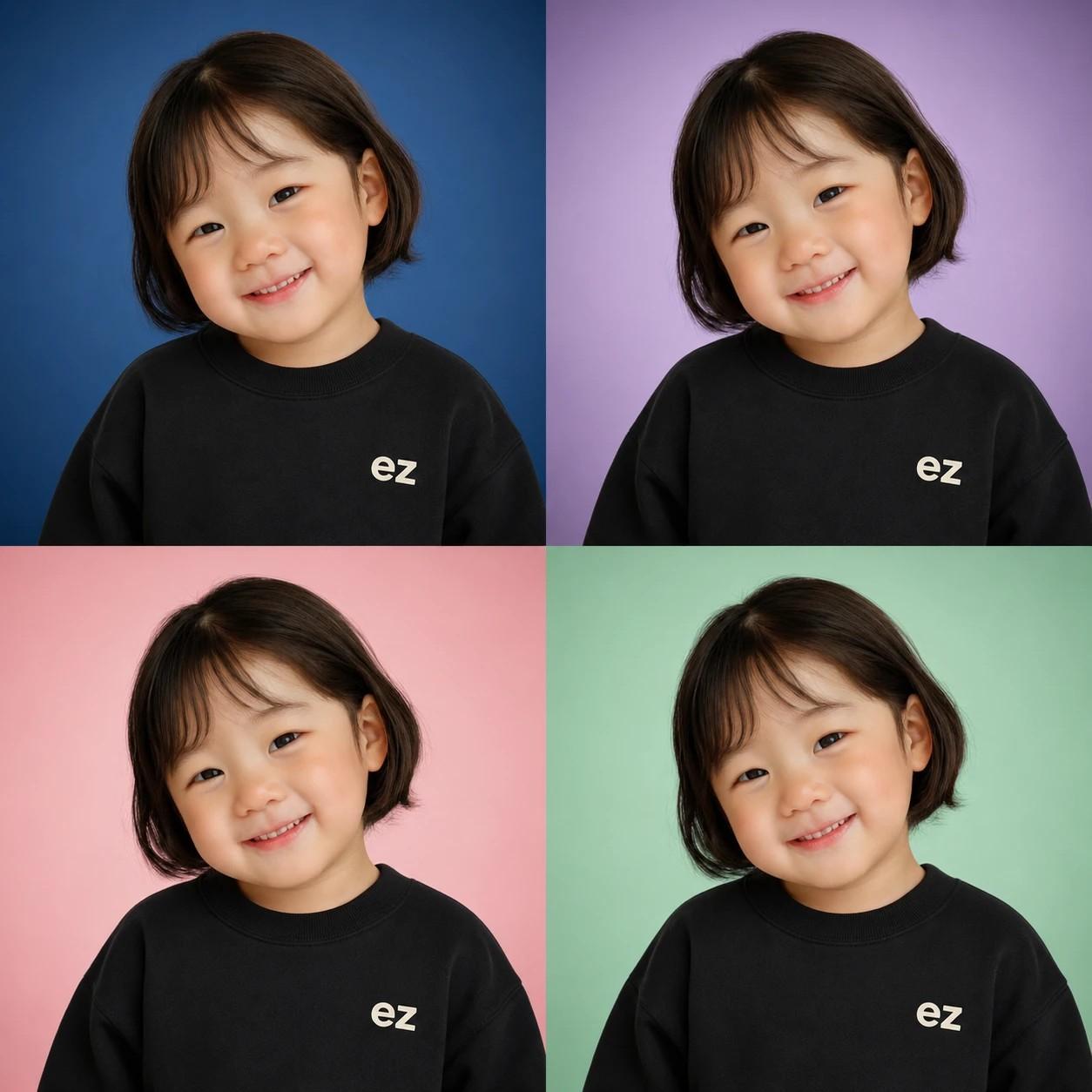
- A. Keep the outfit the same and cycle through the 5 backgrounds (standard white + blue/lavender/pink/mint) one by one for easy comparison. Or send a follow-up: 'Make the same result as a 2x2 grid with 4 background colors (blue/lavender/pink/mint)' to get all four colors in one image.
- Q. Is the print resolution enough for a graduation album?
- A. It prints crisply up to postcard size. For larger prints like graduation albums, ask your print shop for a quality boost option for the smoothest result.
- Q. Will side-profile photos or photos with masks/glasses work?
- A. The result is a frontal ID portrait, so front-facing photos work best. Side profiles get rotated to frontal by AI but the face proportions may look slightly off. Photos where masks or sunglasses block the face aren't recommended — the AI has to guess at the hidden parts and the result can differ from the original face.
- Q. Does it generate 4 backgrounds at once like the gallery preview?
- A. The 4-panel image in the gallery is a preview showing the 4 color backdrops (blue/lavender/pink/mint). With the standard white backdrop, you have 5 backdrop options total. Your actual result is a single clean portrait in the outfit + backdrop combo you picked. To compare backdrops, generate 5 times — once per backdrop.